First game: step by step
Build a vertical slice with connection, session start, ten hits, live score and clean completion. This is the correct foundation for any 2D or 3D mechanic.
1. Prepare the scene
Create a VORIVOX object, add VorivoxGameSdk, and import the Starter Kit sample from Package Manager.
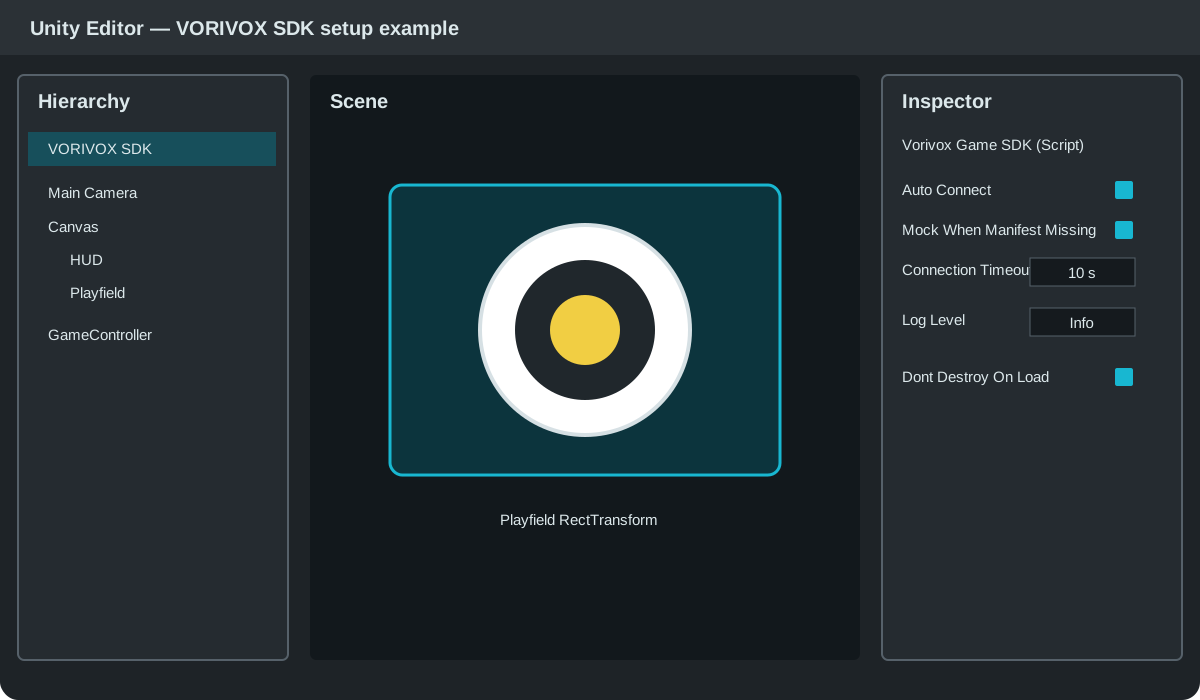
Enable Mock When Manifest Missing for Editor development. A real Launcher manifest always takes priority.
2. Implement the safe flow
sdk.SessionStarted += BeginRound;
sdk.HitReceived += ResolveHit;
sdk.SessionPaused += PauseRound;
sdk.SessionResumed += ResumeRound;
sdk.SessionStopped += StopRound;

await sdk.ConnectAsync();       // accepted server.hello received
await LoadAllContentAsync();
await sdk.ReadyAsync("Game"); // only after critical loading
Core rule: ready means the game can accept
session.start immediately. Load scenes, shaders, audio and critical Addressables first.3. Resolve a hit
private async void ResolveHit(VorivoxHit hit)
{
    if (!roundActive) return;
    Vector2 point = hit.ToCanvasLocal(playfield);
    int points = scoreMap.Resolve(point);
    shots++; score += points; if (points > 0) hits++;
    await sdk.UpdateScoreAsync(new VorivoxScore(score, shots, hits, timeLeftMs));
}
4. Complete once
await sdk.CompleteAsync(new VorivoxResult(
    "completed", score, shots, hits, durationMs,
    sdk.Manifest.Session.PlayerCount));
5. Run three scenarios
python3 tools/mock_launcher.py --scenario basicpython3 tools/mock_launcher.py --scenario pausepython3 tools/mock_launcher.py --scenario device-fault