Install the SDK
The SDK is distributed as a Unity Package Manager package. You do not need to copy runtime sources into Assets.
Install from disk
- Open Window → Package Manager.
- Click + → Add package from disk.
- Select
unity-package/com.vorivox.unity-gamesdk/package.json. - Wait until the package appears under In Project.
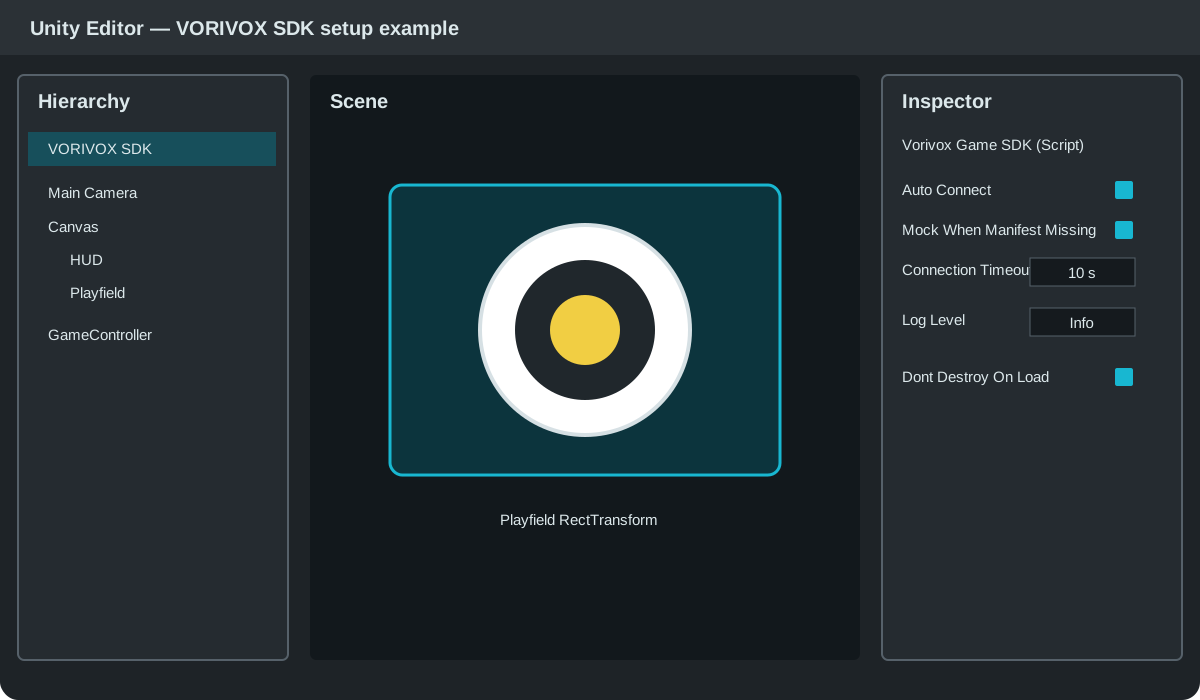
Recommended scene structure: a dedicated VORIVOX SDK object and a separate game controller.
Install through manifest.json
{
  "dependencies": {
    "com.vorivox.unity-gamesdk": "file:../Packages/com.vorivox.unity-gamesdk"
  }
}
Import samples
Open the package in Package Manager and click Import next to the sample you need. Version 0.5.1 includes five practical samples, including Starter Kit.
Do not manually copy Runtime files to multiple folders in the project. That causes duplicate types and asmdef conflicts.