Game lifecycle
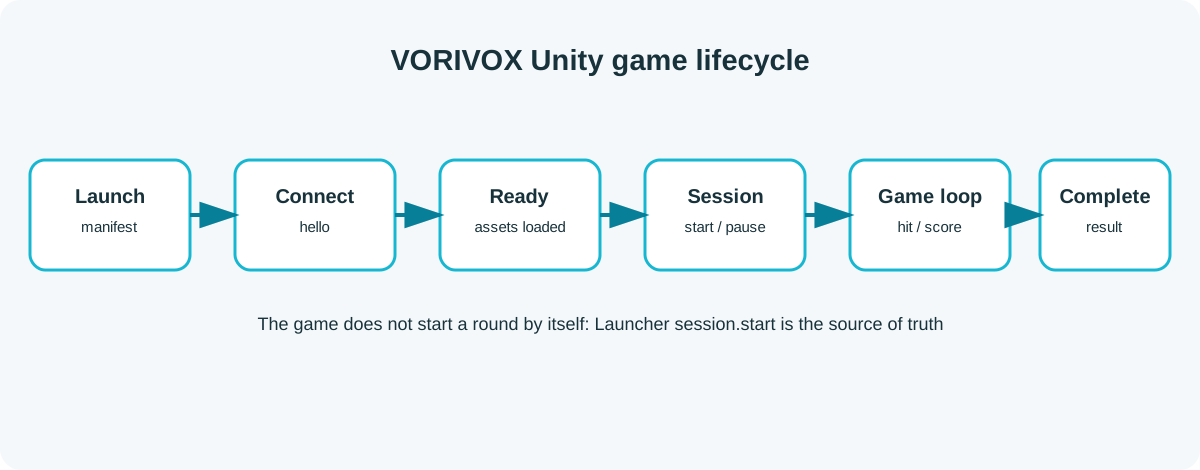
Every Unity game must follow this event sequence.
1. Process start
Launcher starts the executable with a manifest argument:
./MyGame.x86_64 --vorivox-manifest /run/vorivox/sessions/abc/launch.json2. Connection
ConnectAsync() loads the manifest, opens the WebSocket, and performs the handshake.
3. Readiness
Call ReadyAsync() after the first scene, shaders, audio, and critical Addressables are loaded. Do not call it immediately after opening the socket.
4. Active session
After SessionStarted, the game may start timers, enemies, and gameplay processing.
5. Completion
Send the result and switch to the result screen. The SDK blocks duplicate completion messages.